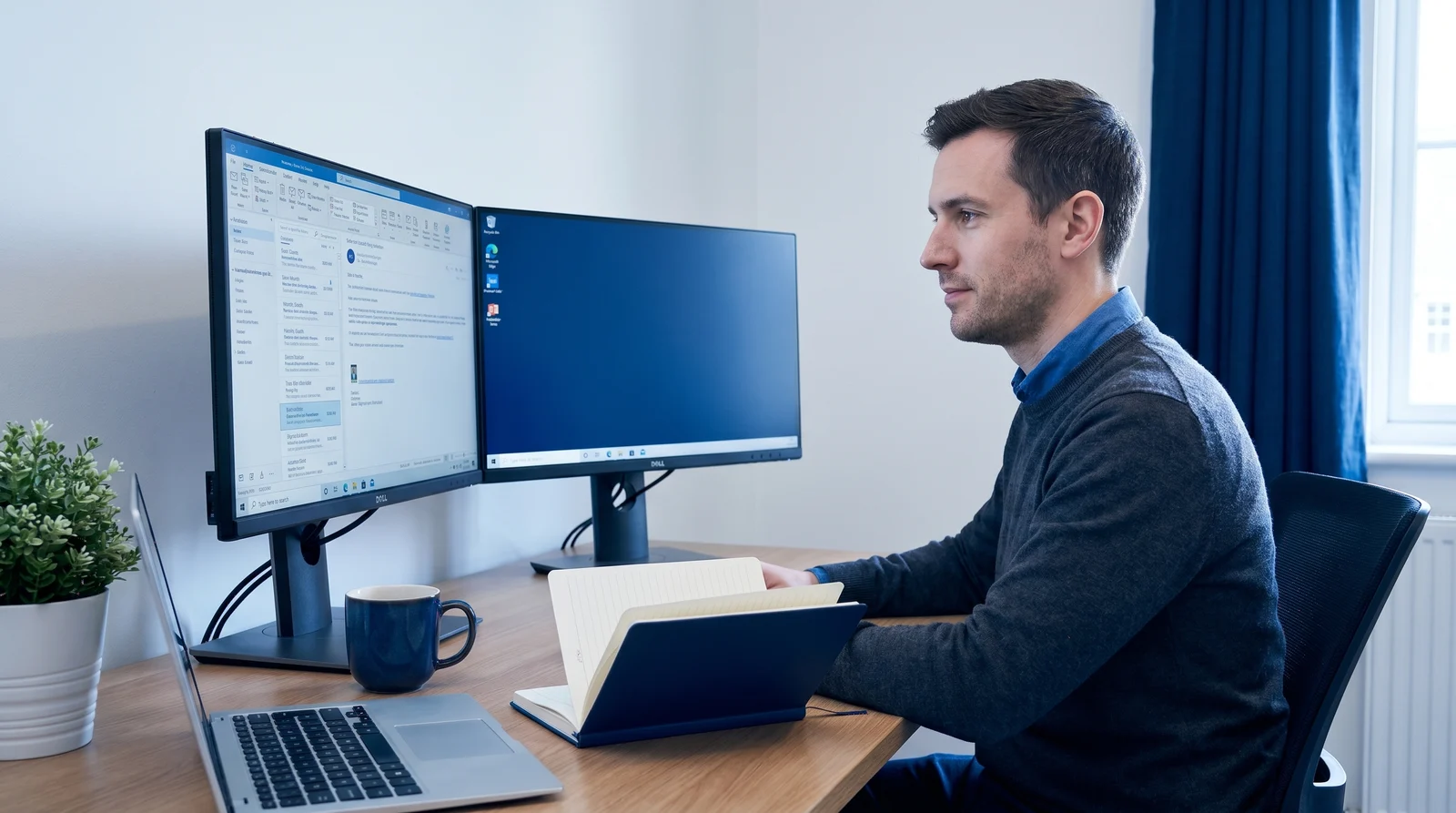
Adapting the Maker vs. Manager Schedule for Remote Productivity
Adapting the Maker vs. Manager Schedule for Remote Productivity
For remote professionals, the modern workday has rapidly devolved into a continuous cycle of digital communication, severely compromising our ability to perform meaningful, focused work. Knowledge workers today face an "infinite workday" where boundaries are blurred, and pinging notifications fragment concentration. According to recent telemetry data, the average employee receives 117 emails and 153 Microsoft Teams messages daily, resulting in an interruption approximately every two minutes. Escaping this reactive loop requires a structural overhaul of how we view time. By returning to foundational productivity concepts and applying them to distributed environments, remote teams can reclaim their schedules, protect deep work, and foster a healthier work culture.
Key Points
- The fundamental clash: Managers operate on hourly intervals to coordinate and decide, while makers require half-day blocks of uninterrupted time to create.
- The remote work tax: Digital overload forces knowledge workers to spend 57% of their time communicating rather than creating.
- Proven solutions: Research demonstrates that introducing specific meeting-free days can boost team productivity by up to 71%.
- Automation helps: Emerging artificial intelligence tools like Reclaim.ai, Clockwise, and Skej are automating calendar defense, allowing both makers and managers to optimize their unique scheduling needs.
Understanding the Maker vs. Manager Paradigm
In his foundational July 2009 essay, investor and programmer Paul Graham articulated a critical friction point in modern workplaces by defining two distinct ways of organizing time: the maker's schedule and the manager's schedule.
The manager's schedule is the default in corporate environments. It is the schedule of command, typically embodied in the traditional appointment book or digital calendar, divided into one-hour or thirty-minute intervals. For a manager, switching tasks every hour is practical. Finding an open slot to book a meeting is simply a logistical exercise, and speculative meetings are considered highly valuable.
Conversely, the maker schedule is utilized by people who create things—software developers, writers, designers, and engineers. Makers require large blocks of time, generally at least half a day, to achieve the deep concentration necessary to solve complex problems or produce high-quality work. For someone operating on the maker vs manager schedule, a single mid-afternoon meeting does not just consume an hour; it shatters the afternoon into two segments too small for meaningful progress. It changes the mode of work, acting like a disruptive exception in a computer program that consumes significant cognitive energy to recover from.
Why Remote Work Blurs the Lines Between Making and Managing
While the clash between these two schedules existed in physical offices, remote work has exponentially amplified the tension. Without the visual cues of seeing a colleague deep in thought at their desk, managers often overcompensate for the physical distance by scheduling more syncs, resulting in a culture of digital presenteeism.
Recent studies highlight the severity of this shift. A Microsoft Work Trend Index report analyzing trillions of productivity signals revealed that knowledge workers now spend 57% of their working hours communicating in meetings, emails, and chats, leaving only 43% of their time for actual creation. Furthermore, half of all meetings now occur during peak productivity hours—between 9:00 a.m. and 11:00 a.m., and 1:00 p.m. and 3:00 p.m.—directly cannibalizing prime maker time.
This digital overload has created an "infinite workday." Data shows that 40% of employees are checking email before 6:00 a.m., and meetings scheduled after 8:00 p.m. have increased by 16% year-over-year. Consequently, 68% of workers report they do not have enough uninterrupted focus time during their day. In a distributed environment, a maker is constantly pulled into a manager's schedule through incessant Slack notifications and ad-hoc Zoom calls, leaving them unable to execute the very work they were hired to do.
How to Audit Your Current Remote Calendar
Before you can fix your schedule, you must understand your current baseline. Auditing your calendar provides an objective look at whether your time aligns with your actual responsibilities.
First, categorize your role. Are you primarily paid to make (code, write, design) or to manage (unblock others, strategize, align resources)? If you are a maker but your calendar is a patchwork of 30-minute meetings, your schedule is misaligned with your output goals.
Review your last two weeks of calendar data. Calculate your "meeting density" by tallying the total hours spent on calls versus the hours left blank. More importantly, identify the fragmentation. Count how many continuous three- to four-hour blocks you had available for focused creation. If your blank spaces are primarily 45-minute gaps squeezed between status updates, you do not have maker time; you simply have buffer time.
Look for what Graham calls "exception" meetings—those isolated calls dropped directly into the middle of an otherwise open morning or afternoon. Identifying these isolated disruptions is the first step toward reclaiming your time management efficiency.
Strategies for Makers: Defending Deep Work in a Slack-Heavy Culture
If you are a maker, you must actively defend your time against a culture that defaults to synchronous interruption. Achieving remote deep work requires setting hard boundaries and reshaping how your team accesses you.
The most effective tactic is rigorous calendar blocking. Do not leave your calendar blank, as a blank calendar is an invitation for a manager to book a meeting. Instead, proactively block out half-day units specifically dedicated to deep work. Label these blocks clearly (e.g., "Deep Work - No Meetings") to signal to colleagues that your unavailability is intentional.
To survive in a Slack-heavy culture, you must decouple communication from instant gratification. Turn off push notifications during your blocked hours and set your status to indicate when you will check messages next. Batch your communication. For example, dedicate 30 minutes at the start of your day, a brief window around lunch, and 30 minutes before logging off to process emails and chat threads.
When you do need to meet, push for consolidation. If a stakeholder requests a meeting on a Tuesday afternoon, politely ask to shift it to Wednesday morning, adjacent to an existing meeting. Grouping interruptions together creates larger, contiguous blocks of protected time elsewhere in your week.
Strategies for Managers: Consolidating Meetings to Empower Your Team
Managers carry the responsibility of shaping the scheduling culture. While you may thrive on a fragmented schedule, imposing that cadence on your makers actively harms your team's output. Remote productivity hinges on granting employees the autonomy to focus.
A highly effective strategy is the implementation of meeting-free days. An extensive MIT Sloan Management Review study surveyed 76 companies across more than 50 countries that experimented with reducing synchronous meetings. The results were staggering. When companies introduced three no-meeting days per week—effectively reducing meetings by 60%—overall team productivity increased by 71%, employee satisfaction rose by 52%, and stress decreased by 57%.
Managers should audit recurring meetings and ruthlessly convert status updates into asynchronous communication. Use shared documents, recorded screen-shares, or dedicated Slack threads for straightforward updates, reserving synchronous calls only for complex problem-solving, emotional support, or strategic alignment.
Furthermore, adopt Graham's concept of "office hours." Set aside specific, clustered blocks of time—perhaps at the end of the day—where team members can drop in or book time to speak with you. This simulates the manager's schedule within a confined window, protecting the rest of the day for deep, maker-focused execution.
Communicating Your Schedule to Remote Stakeholders
Enforcing scheduling boundaries requires transparent and empathetic communication, especially when working across different time zones. You cannot simply block your calendar and vanish; you must set expectations with remote stakeholders.
Start by clearly defining your working hours and response times in your company's internal directory or messaging profile. If you have established a "Maker Morning" routine where you do not take meetings before noon, communicate the rationale. Explain that protecting this time allows you to deliver higher-quality work on crucial projects.
When declining or moving a meeting, offer context and an alternative. Instead of a flat refusal, you might say, "I am currently protecting my maker block to finalize the upcoming software release. Could we handle this asynchronously via a shared document, or can we sync during my office hours on Thursday afternoon?" This approach is practical, polite, and reinforces a culture that respects time management.
Tools to Enforce Your Boundaries and Automate Status Updates
Technology is a double-edged sword; while it enables digital overload, the right tools can automate the defense of your calendar. Several platforms have emerged to help bridge the gap between maker and manager workflows.
- Reclaim.ai: Ideal for individual makers looking to protect remote deep work, Reclaim.ai integrates your task list directly with your calendar. Starting at $8 per user per month, it automatically schedules dynamic "focus habits" and task blocks. If a manager urgently overrides a block, Reclaim automatically reschedules the focus time to the next available slot.
- Clockwise: Better suited for team-wide calendar optimization, Clockwise (starting at $6.75 per user per month) analyzes an entire organization's Google Calendar to automatically shift flexible internal meetings to optimal times. It defragments schedules to maximize contiguous blocks of focus time for everyone involved.
- Skej: For professionals drowning in the back-and-forth of coordinating external or internal calls, Skej is an AI scheduling assistant that operates natively within email and Slack. By simply CCing Skej, the AI negotiates optimal meeting times in natural language, taking time zones, meeting hours, and required buffers into account.
- Motion: For teams that need a hybrid of robust project management and automated scheduling, Motion automatically builds daily itineraries based on task deadlines and priority, working around existing meetings to ensure critical work is completed.
Key Takeaways
- Acknowledge the difference: Understand that makers need half-day blocks of uninterrupted time, while managers operate efficiently in fragmented, hour-long intervals.
- Audit your reality: Look closely at your calendar to determine your meeting density. If you are a maker spending over 50% of your time communicating, your schedule is broken.
- Implement meeting-free days: Managers should strive to clear two to three days a week of synchronous meetings; data from 50 countries shows this can boost productivity by 71%.
- Batch and block: Makers must proactively use calendar blocking for deep work and strictly batch their asynchronous communication (email and Slack) to specific times of the day.
- Leverage AI tools: Utilize smart scheduling software like Clockwise or Reclaim.ai to automatically defragment your calendar and protect focus time without manual negotiation.
Sources:
- safetyandhealthmagazine.com
- speakwiseapp.com
- idratherbewriting.com
- paulgraham.com
- github.com
- medium.com
- cameronconaway.com
- mytechdecisions.com
- microsoft.com
- beehiiv.com
- theblacklight.co
- reading.ac.uk
- reading.ac.uk
- substack.com
- workflowautomation.net
- get-alfred.ai
- get-alfred.ai
- scalarly.com
- softwarefinder.com
- capterra.com
- flowsavvy.app
- genesysgrowth.com