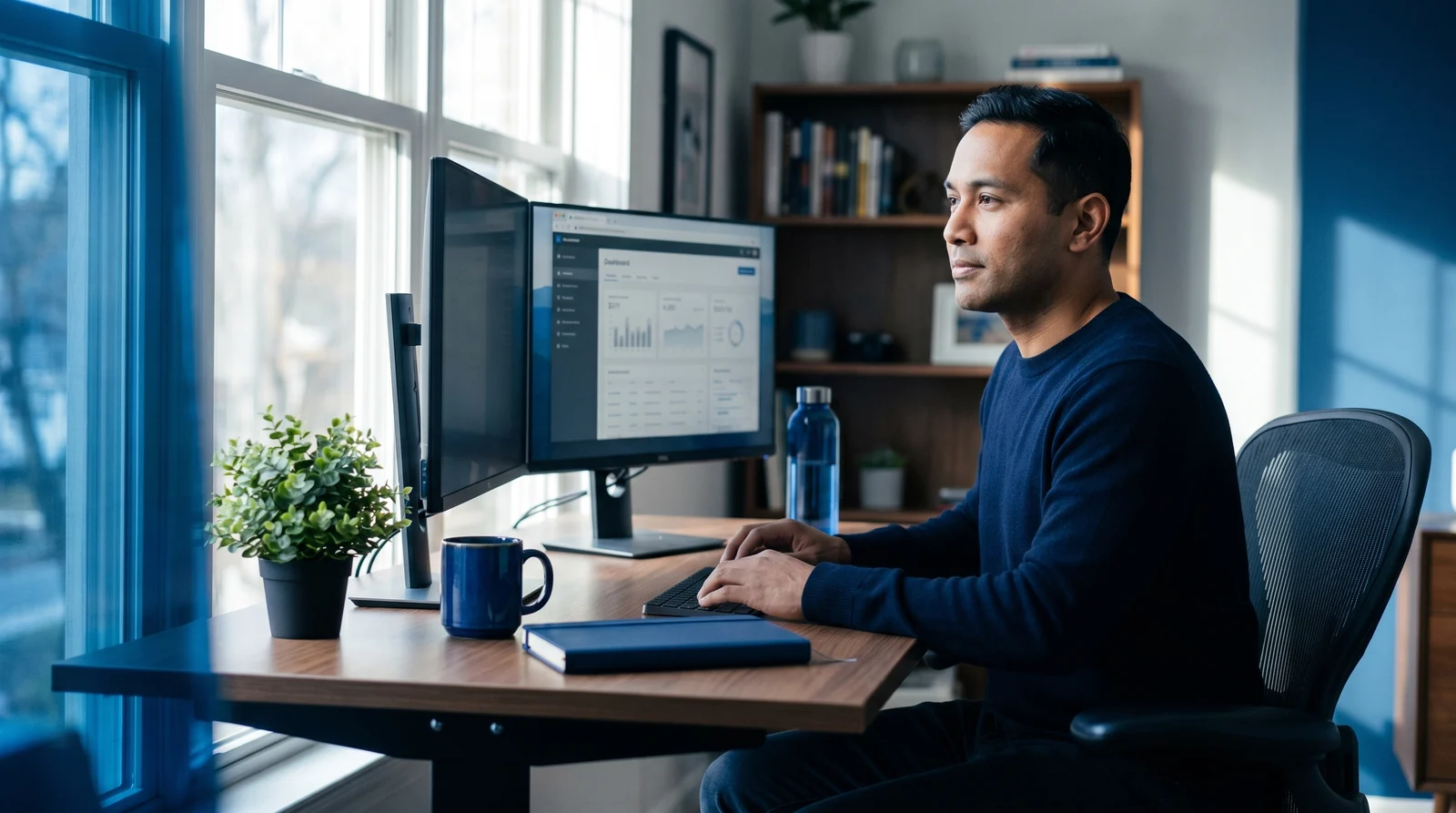
The Lumens Effect: Optimizing Your Remote Workspace Lighting for Mood and Focus
The Lumens Effect: Optimizing Your Remote Workspace Lighting for Mood and Focus
Key points indicate that light exposure dictates our biological sleep-wake cycles, digital eye strain currently impacts roughly seven out of ten remote professionals, and layered, daylight-mimicking illumination can measurably boost daily productivity. As a remote professional, your workspace setup determines not only your immediate output but your long-term physical well-being. While ergonomic chairs and upgraded monitors typically dominate the conversation, the most powerful productivity lever in your environment is entirely invisible: your home office lighting. Proper illumination does far more than prevent visual discomfort; it biologically cues your brain for either intense focus or restful recovery. Whether you are operating from a permanent dedicated office or working temporarily from a foreign city, optimizing your environment's lighting is a non-negotiable foundation for sustained performance and health.
The Biological Impact of Light: How Lux Levels Affect Alertness and Melatonin Production
The human body operates on a 24-hour internal clock known as the circadian rhythm, which is governed by a region of the brain called the suprachiasmatic nucleus (SCN). The primary environmental cue that syncs this biological clock is light, measured in lux. While direct sunlight can provide an intensity of 100,000 lux, typical indoor lighting often struggles to exceed 500 lux. This massive discrepancy confuses the brain's biological sensors, often resulting in sluggishness during the day and restlessness at night.
Research demonstrates that exposure to bright, blue-enriched light during working hours suppresses the production of melatonin, the hormone responsible for inducing sleep. Studies mapping the dose-response relationship of light and alertness show that melatonin suppression can be initiated at extremely low thresholds—as little as 1.5 melanopic lux—and peaks in response to extended bright light exposure. When your workspace is adequately illuminated, your brain receives the signal to halt melatonin secretion, naturally enhancing your alertness, cognitive processing speed, and overall mood.
Conversely, a lack of sufficient daytime light exposure takes a biological toll. A study conducted by researchers at Cornell University found that workers operating in heavily daylit environments reported a 56% reduction in feelings of drowsiness compared to those in artificially lit, windowless spaces. By consciously manipulating the lux levels in your environment—flooding your space with high-intensity light in the morning and dimming it significantly in the hours before bed—you effectively hack your biology, aligning your energy levels with your professional demands.
Conducting a Workspace Audit: Identifying Screen Glare, Shadows, and Eye Strain Triggers
Before purchasing new hardware, you must identify the environmental deficits currently harming your vision. Digital eye strain, clinically referred to as Computer Vision Syndrome (CVS), is an escalating public health issue. A comprehensive 2024 meta-analysis encompassing 103 studies and 66,577 participants revealed that CVS affects approximately 66% to 69% of the global population, with remote workers experiencing notably higher severity due to prolonged, uninterrupted screen time.
A thorough workspace audit requires analyzing how light interacts with your screens and your line of sight. The most common culprit behind preventing eye strain is improper contrast. When your monitor is the brightest light source in a dim room, your eyes must constantly strain to adjust between the blinding screen and the dark background. Additionally, overhead lights or uncovered windows positioned directly behind you can reflect off your monitor, creating a veiling glare that forces you to squint and adopt poor posture.
Another biological factor uncovered during a workspace audit is your blink rate. Under normal conditions, humans blink 15 to 20 times per minute, naturally lubricating the eye. However, when staring at a digital screen, this rate decreases by an astonishing 66%, plummeting to just 5 to 7 blinks per minute. This rapid tear evaporation leads to dry, burning eyes and blurred vision. To combat this, experts recommend the 20-20-20 rule: every 20 minutes, look at an object 20 feet away for at least 20 seconds. This simple practice breaks your visual lock, allowing your blink rate and ciliary muscles to temporarily reset.
The Three-Point Lighting Strategy for Home Offices
Relying on a single overhead fixture creates harsh shadows and uneven illumination, forcing your eyes to overwork. The optimal remote work focus environment utilizes a three-point lighting strategy: ambient, task, and accent lighting.
Ambient Lighting
Ambient lighting provides the baseline illumination for your room, ideally mimicking natural daylight to fill the space evenly. This is typically achieved through ceiling fixtures, large floor lamps, or natural window light. The goal of ambient light is to eliminate dark corners in the room, creating a uniform base layer of lux that keeps your environment bright and your brain alert.
Task Lighting
Task lighting is highly focused illumination directed precisely at your work surface. An adjustable desk lamp is the standard solution here, providing the targeted brightness needed for reading physical documents, sketching, or taking notes. A high-quality task light should have an adjustable arm and a glare-reducing hood, ensuring the light shines onto your desk rather than directly into your eyes or onto your monitor.
Accent Lighting
Accent lighting softens the visual transition between your bright monitor and the surrounding room. By placing a low-wattage light behind your monitor (often called bias lighting), you raise the ambient light levels around the screen. This drastically reduces the contrast your eyes must process, making long hours of screen work significantly more comfortable.
Implementing this strategy is especially crucial for location-independent professionals. For instance, if you are utilizing the Spain Digital Nomad Visa—which in 2026 requires a minimum monthly income of €2,849—or the Japan Digital Nomad Visa launched in March 2024 requiring an annual income of roughly $67,000, you will likely find yourself working from varied short-term rentals. Bringing portable task and accent lighting ensures you can instantly replicate this three-point strategy and protect your productivity, regardless of the local real estate's architectural lighting.
Understanding Color Temperature: When to Use Cool vs. Warm Light
Not all light is created equal. The hue of a light source is measured by its color temperature on the Kelvin (K) scale, and manipulating this metric is key to sustaining energy and focus throughout the workday.
Light at the lower end of the spectrum (2700K to 3000K) emits a warm, yellow-amber glow reminiscent of a sunset or candlelight. This warm light signals to your brain that the day is winding down, promoting relaxation and facilitating the natural release of melatonin. Warm lighting is ideal for evening hours, reading areas, and the final hours of your workday when you are transitioning out of deep work.
Conversely, light at the higher end of the spectrum (5000K to 6500K) produces a cool, bluish-white hue that mimics midday sunlight. Cool light is your biological "focus fuel." A 2016 study published in the Journal of Environmental Psychology found that participants working under 5000K lighting demonstrated significantly improved concentration and reduced reaction times compared to those under warmer lighting conditions. For maximum remote work focus, your primary workspace should be bathed in cool, bright light during the morning and early afternoon to suppress melatonin and keep cognitive performance sharp.
Ergonomic Desk Positioning to Maximize Natural Sunlight
While artificial lighting has advanced rapidly, natural sunlight remains the gold standard for workspace illumination. Properly harnessing daylight not only saves energy but yields remarkable health benefits. A landmark 2018 study conducted by Professor Alan Hedge at Cornell University found that office workers seated within 10 feet of a window reported an 84% drop in symptoms of eyestrain, headaches, and blurred vision. Furthermore, optimized daylight exposure resulted in a measurable 2% increase in productivity, equivalent to thousands of dollars in value per employee annually.
However, positioning your desk directly facing a window or directly with your back to it will introduce severe ergonomic challenges. If you face the window, the extreme brightness of the outdoors will overpower your monitor, causing silhouette effects and forcing you to squint. If the window is behind you, sunlight will bounce directly off your screen, creating blinding glare.
The optimal desk orientation is perpendicular to the primary light source. By placing your desk at a 90-degree angle to the window, the natural light flows across your workspace, illuminating your desk without striking your monitor or your eyes directly. To control the shifting intensity of the sun throughout the day, equip your windows with light-diffusing blinds or sheer shades. This allows you to reap the serotonin-boosting benefits of natural sunlight while maintaining perfectly balanced screen visibility.
Smart Lighting Tools and Apps that Automate Circadian Rhythm
The ultimate goal of modern home office lighting is to create a dynamic environment that shifts seamlessly alongside your biology. Smart circadian lighting tools remove the manual effort of adjusting dimmers and switching bulbs, using software to mimic the natural progression of daylight automatically.
Hardware solutions like the Dyson SolarCycle offer an elite approach. This smart lamp uses a proprietary algorithm to automatically adjust its color temperature and brightness based on the specific time of day and your exact geographic location, smoothly transitioning up to 6500K during peak daylight hours. Similarly, the TUO Circadian Smart Bulb utilizes advanced neuroscience developed at the University of Washington. Rather than just adjusting brightness, it uses a patented color-alternating technology to stimulate newly discovered amacrine cells in the eye, effectively synchronizing your body clock at normal room brightness levels.
If you prefer to upgrade your existing fixtures, software integration is highly effective. Smart home platforms like Homey or products by NuWatt allow you to build custom automated flows. You can program your home office lights to execute a 30-minute fade-in sequence at dawn, shift to a crisp 5000K white for your morning deep-work blocks, and gradually transition to a dim 2700K amber in the late afternoon. By offloading these adjustments to technology, you guarantee that your environment continuously supports your physiological needs without interrupting your workflow.
Key Takeaways
- Biology dictates performance: Bright, cool light suppresses melatonin to heighten daytime alertness, while dim, warm light cues the brain for evening relaxation.
- Combat screen fatigue: Screen use reduces your blink rate by 66%; fight Computer Vision Syndrome by ensuring proper contrast and adhering to the 20-20-20 rule.
- Layer your lighting: Relying on overhead lights causes strain; use a combination of ambient, task, and accent lighting to evenly illuminate your workspace.
- Leverage color temperature: Use cool lighting (5000K-6500K) during peak work hours for focus, and transition to warm lighting (2700K-3000K) to wind down.
- Position perpendicular to windows: Place your desk at a 90-degree angle to windows to capture the health benefits of natural sunlight without introducing screen glare.
- Automate your environment: Utilize smart bulbs and applications to seamlessly transition your room's color temperature in alignment with the natural progression of the sun.
Sources:
- massey.ac.nz
- nih.gov
- nih.gov
- researchgate.net
- retrofitmagazine.com
- usgbc-ca.org
- nih.gov
- poudrevalleyeyecare.com
- lens.com
- nylasik.com
- carrolleyecare.com
- citizenremote.com
- migrun.tech
- ralionline.com
- japaninsidersecrets.com
- electricianu.com
- auralight.com
- aidot.com
- cps-lighting.com
- prnewswire.com
- squarefoot.com
- interiormedicine.com
- homeofficeresearch.com
- thetuolife.com
- thetuolife.com
- nuwattlighting.com
- homey.app